
From the first booking to the final bill
Operate's booking engine coordinates people, spaces and equipment. Its till connects service with payment. Its staff, supply and reporting tools help managers act on what is happening.
Screens show Purple Operate with a demonstration business and sample data.
Bookings and scheduling
Make it easier to book the right time, person and space
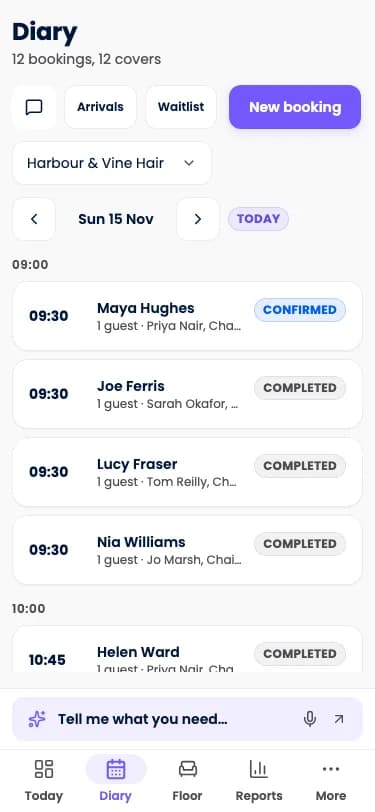
Operate's booking engine coordinates people, spaces and equipment in one availability check, so the diary shows the day as it will be delivered.
- Resource-aware availabilityPeople, spaces, equipment, capacity and buffers are checked together, for fewer avoidable conflicts.
- Phase-aware servicesA passive phase need not block a professional who could be serving someone else, while resources still in use stay reserved.
- Table fitting and combinationsParty sizes are fitted to suitable tables and combinations to make better use of the floor.
Till and payments
Your phone. Your floor. Your whole shift.
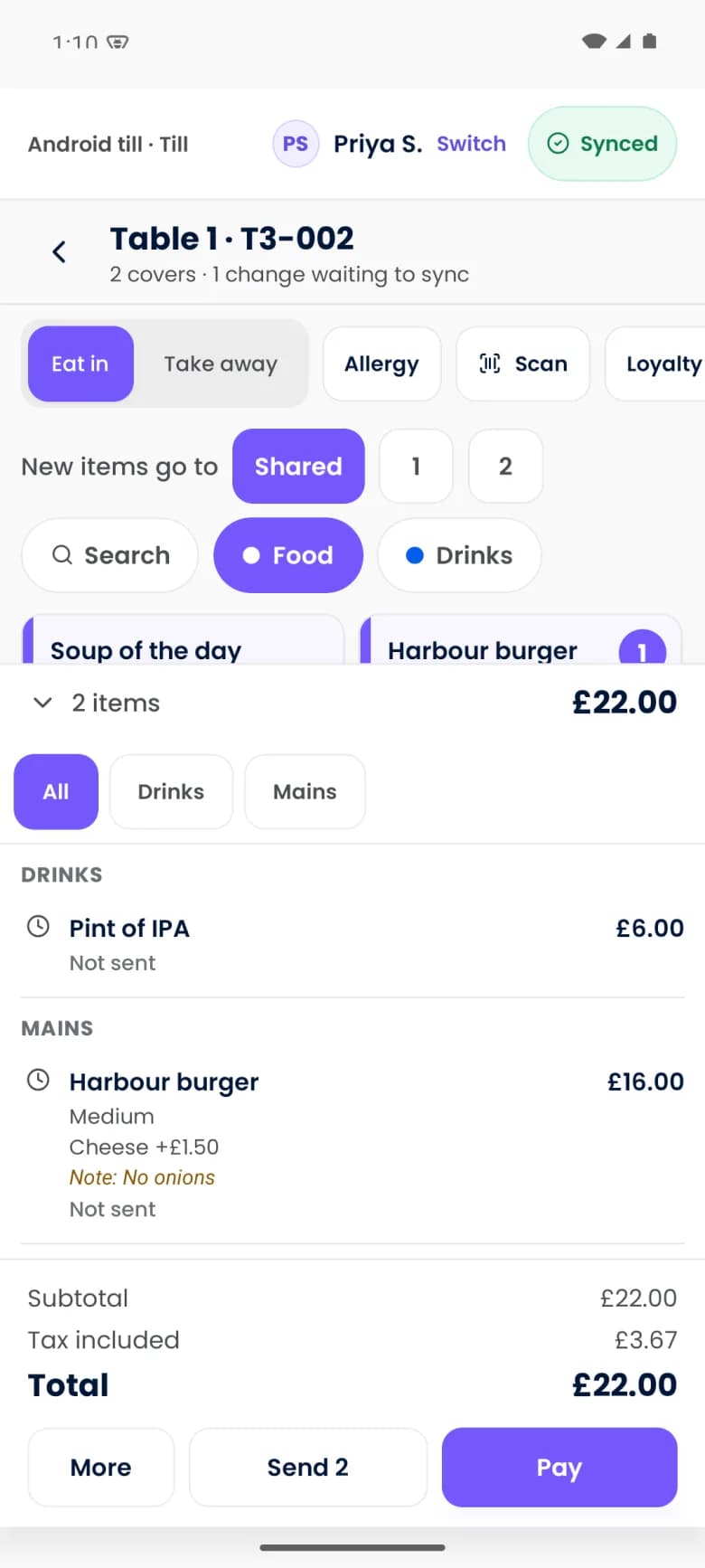
Operate's till connects service with payment. Seat the table, build the order, send it to the kitchen and settle the bill from the device in your hand or a shared till.
- Tables, tabs, seats and coursesThe structure of the guest's order is kept, for clearer handoffs and bills.
- Modifiers and kitchen notesWhat the guest asked for is captured once and travels with the order.
- Hold and fireYou control when each course moves to preparation.
Guest ordering and events
More ways for guests to order, and for groups to book
Operate brings guest-led ordering, vouchers, ticketed events and private hire into the same operation as the till and the kitchen.
- QR order and payA direct digital route for guests at the table.
- Click and collectYour own menu and collection slots, without a marketplace in between.
- Counter service and kiosk modesDifferent service formats on the same catalog and prices.
Staff and rotas
Build the shift around demand
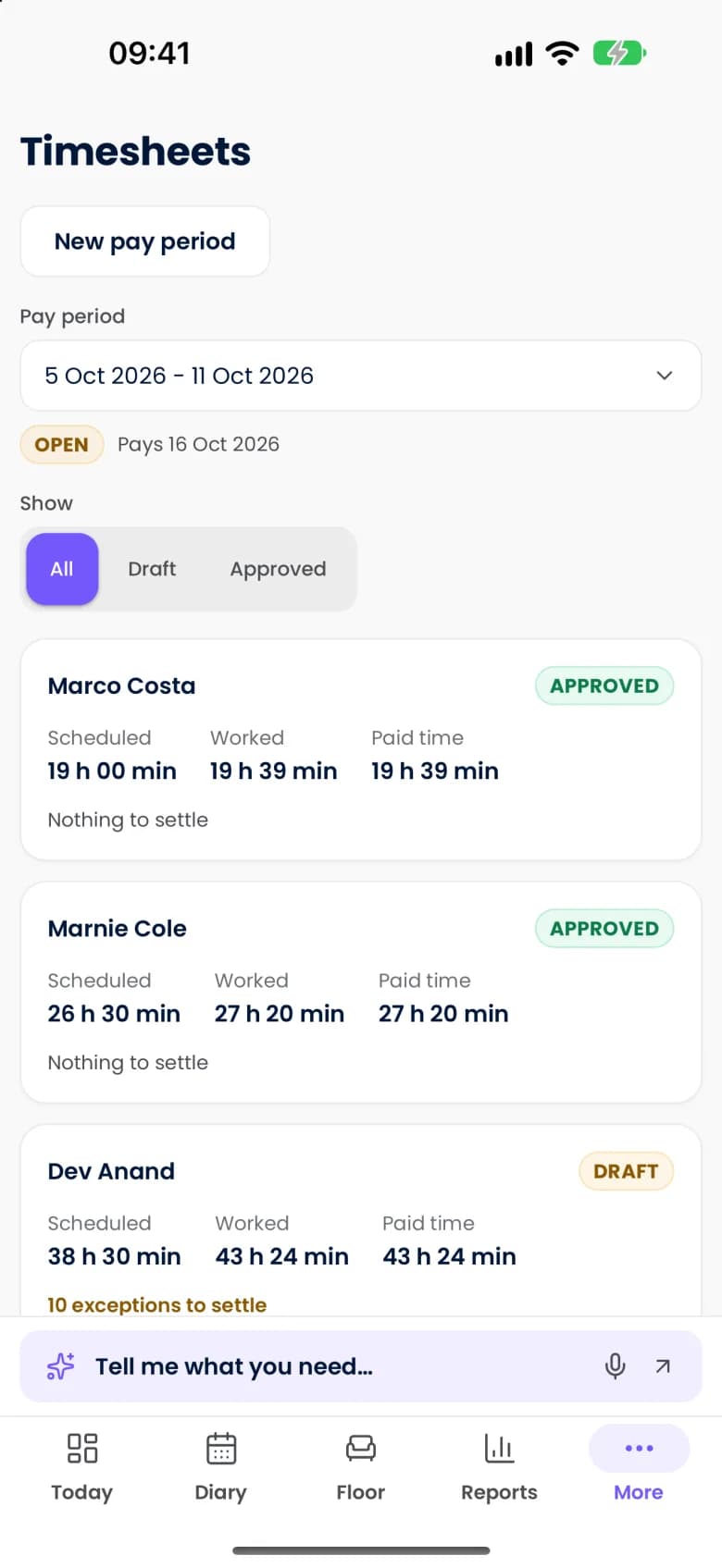
Operate puts the rota beside the bookings and the forecast, so staffing is planned from the same view of expected trade as everything else.
- Demand-led draftsForecasts from operational demand prepare a rota draft for manager review.
- Labour cost beside forecast salesScheduling trade-offs are visible before publication.
- Open shifts, swaps and leaveStaff have a structured route to request changes.
Stock and margin
Know what you have, what you need and where margin is moving
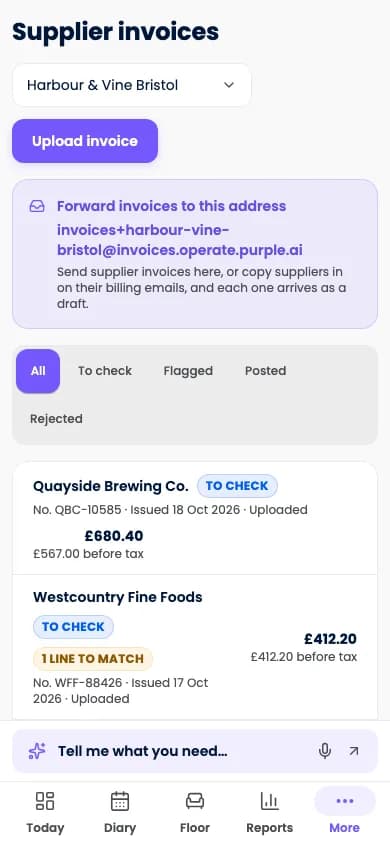
Operate connects what you sell to what you hold, so counts, recipes, orders and invoices explain each other.
- Recipes, yields and sub-recipesUnderstand the cost of each item you sell.
- Ingredient allergen roll-upConfigured ingredient information carries through to each menu item.
- Theoretical versus actual usageExpected consumption is compared with counts, to prompt earlier investigation of waste or loss.
Reporting and control
See every venue. Act where it matters.
Operate reports on the same records the team works in, and gives owners the permissions, approvals and history to delegate with confidence.
- Live operational dashboardToday's sales, bookings and other configured measures together.
- Sales and booking reportsSee the composition of trade and how booked demand turned into visits.
- Group and venue roll-upsCompare sites through common measures.
Questions about the platform
Is this one product or several modules?
One platform. Bookings, orders, resources, staff, stock and reporting share an operational model, and you switch on what your venue runs.
Which devices does it run on?
Phone, tablet and web. The same account works across a mixed fleet: staff phones, shared tills, kitchen screens and a manager's laptop.
Is everything on this page available today?
These pages describe what Operate is designed to do. Some workflows depend on a supported device, a payment provider, your country or a connected product, and we confirm what is released for your venue type and market in a demo.
See your own working day in Purple Operate
Tell us what you run and what you use today, and the Purple team shows you Purple Operate on a venue like yours.